Loading data...
Account
Log in to access your saved meal plans.
Savery Free
Local browser storage
Your Kitchen Dashboard
Calculated from your Meal Plan
Preferences
Show recipe amounts as common fractions (1/4, 1/3, 1/2, 2/3, 3/4) or decimals.
Section shown when you open Savery.
Default the Meal Plan summary panel expanded or collapsed.
Used to localize crowd-sourced grocery prices in the Ingredient Index. US 5-digit ZIP only.
Subtract pantry stock from your shopping list and update pantry when you check items or mark meals Made.
Security
Savery Plus
The same Savery you love, with professional-grade tools. Checkout is coming soon.
Savery Free
- ✅ Add and Tag Recipes
- ✅ Import from URL, document, or clipboard
- ✅ Easy Weekly Meal Plan
- ✅ Print Grocery Lists
- ✅ Local Browser Storage
Savery Plus
- ✨ Sync Across All Devices
- ✨ Create and Save Weekly Menus
- ✨ Ingredient Index & Cost Estimates
- ✨ Nutrient Tracking
- ✨ Import recipes from a photo.
- ✨ Priority Improvements as Savery Grows
No monthly subscriptions or hidden fees.
Your data is encrypted and never sold.
Love it or get a full refund. No questions.
You're in! Welcome to Plus.
Your account has been upgraded. You now have lifetime access to cost estimates, cloud sync, and nutrient tracking.
Organize Recipes. Plan Meals. Shop Smarter.
Add your recipes, build a weekly menu, and auto-generate your shopping list and pantry. Cost estimates and nutrition tracking are available with Plus. Currently in Beta.
How Savery Works
A simple flow that gives you choice and automates the rest.
1) Manage Recipes
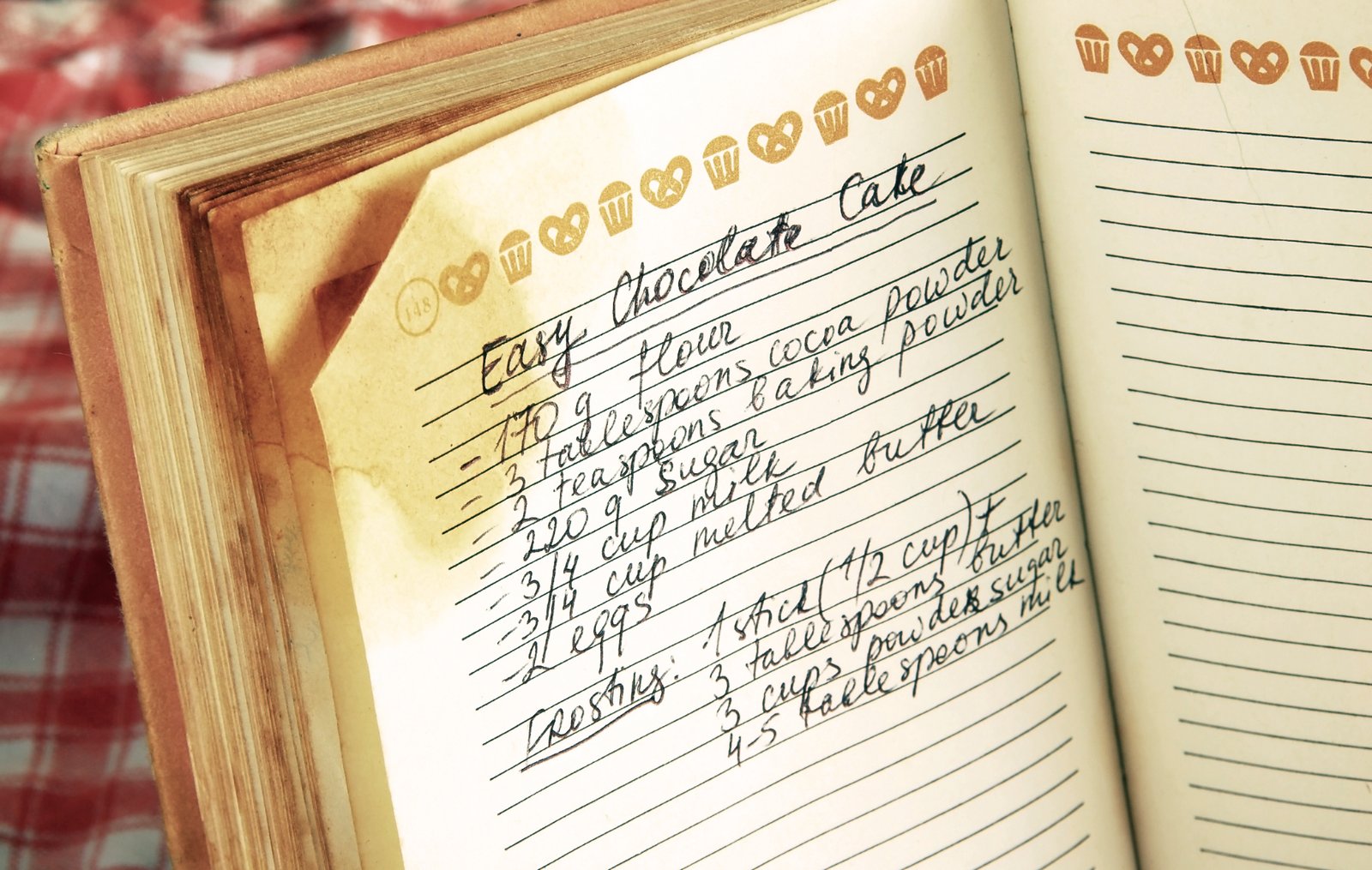
Add your own or upload from a photo of your recipe—then tag and organize!

2) Plan Your Week
Build a plan meal by meal, or use one of your saved plans. See cost and nutrition info too!

3) Shop Confidently
Get an auto-generated shopping list from your plan, with formatted printables of both!
Built for Real Families
“The secret ingredient is always love.”
As a mom of five, meal planning on a budget isn’t optional—it’s survival. Savery grew out of years of planning, budgeting, and searching for recipes my family would actually eat. I’m excited to share a tool that makes the weekly routine easier and more predictable.
Want to sync across devices? Create an account any time.
My Recipes
Organize your recipes: Add new ones yourself or from the web! You can sort them by category or your tags.
Weekly Meal Plan
Select which types of meals you want to plan for the week, then choose the meals you want for each day. Your shopping list will auto-generate from your ingredients. Skipping items already in your pantry is optional—you can turn it off in Account → Preferences.
Options
Meal Prep
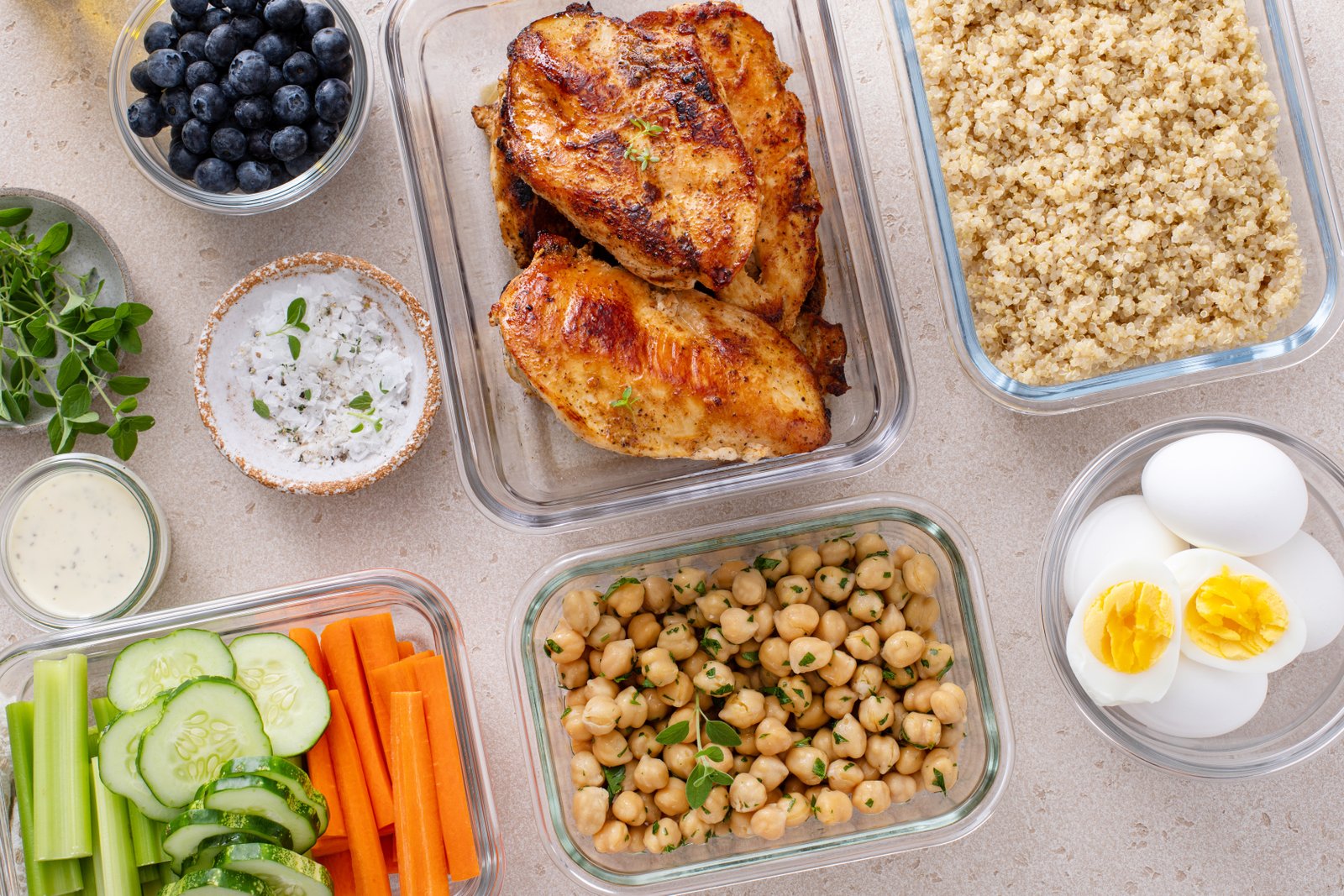
Plan the work for meals you marked Meal Prep on your Meal Plan. Edit the overview, then break it into stages.
Meals to prep
Stages
Move planning text from the overview into the stages below or add more detail.
Shopping List
Auto-built from your meal plan. Add custom items anytime.
Drag the item handle () to reorder. Check items to stock your pantry and move them to Purchased. Uncheck to put them back. Clear purchased hides purchased items. Reset all grocery items restores original quantities and the current sort order.
My Pantry
Stock you already have—subtracted from your shopping list.
| Item | Qty | Unit | Delete |
|---|
Ingredient Index
Costs and nutrition per unit. Edit macros to save custom values; Reset restores site FDC. “(est.)” = unit estimate; “(custom)” = your edit. Local prices use your ZIP when set.
| Ingredient | Cost ($) | Price unit | Free | Nut. basis | Cal | Protein (g) | Carbs (g) | Fat (g) | Fiber (g) | Sodium (mg) | FDC ID | Reset |
|---|
Contact Us
Questions, feedback, or partnership ideas? Send us a message and we’ll get back to you.